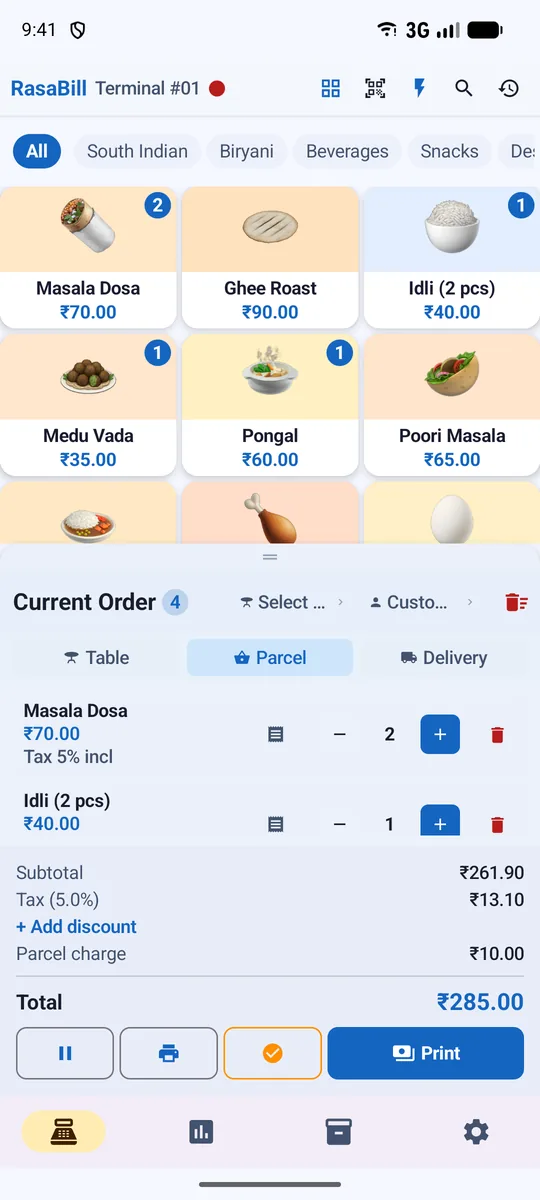
RasaBill
Billing App for Several Phones, with Live Reports on Your Computer
Bill from two, three or five phones in the same shop and see every sale live on your computer. Add a phone by scanning a QR code — no accounts or passwords for your staff.
- Free to start
- Works offline
- 13 languages
Why shops choose RasaBill
Join with a QR code
The owner phone shows a QR; the new phone scans it and joins the shop.
Everything in sync
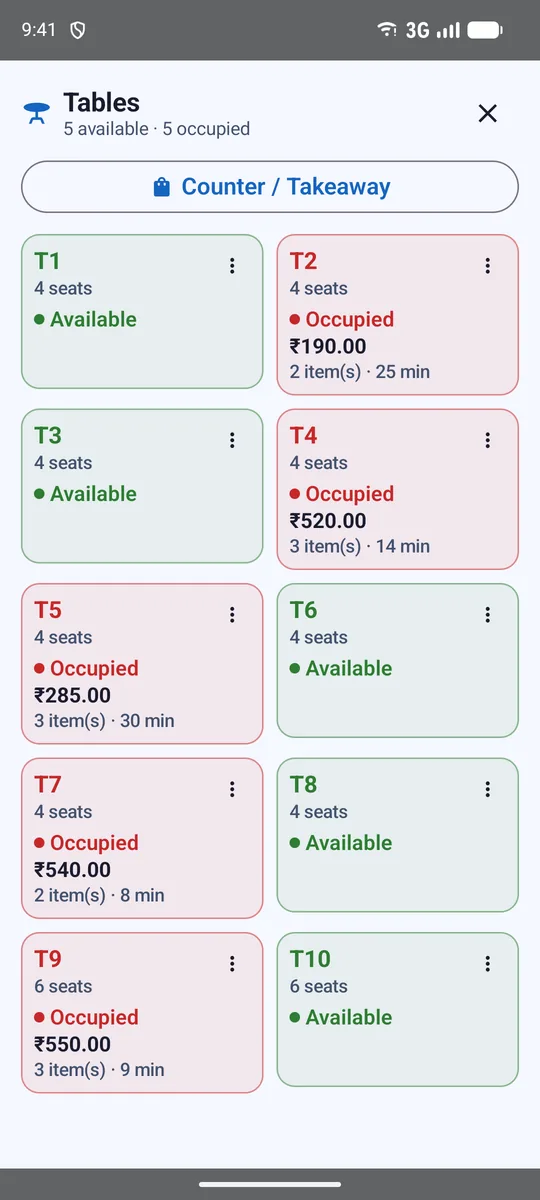
Items, bills, stock, customers, credit, expenses, tables and running orders.
Roles
Owner, Admin and Cashier phones; cashiers can bill but not delete or see profit.
Reports on a computer
Open rasabill.com/web, scan with your phone and see live sales, items, tax and stock.
Safe in the cloud
Server copy of your shop, plus daily Google Drive backup.
Offline friendly
Each phone keeps billing offline and syncs when back online.
One plan for all your phones
Shop plans cover 2, 3 or 5 phones with one subscription bought on the owner phone. Staff phones get Premium automatically.
Start in 3 simple steps
Download RasaBill
Free from Google Play on your Android phone or tablet.
Pick your shop type & add items
Use the starter list for your business or bulk-upload your own items.
Print or share your first bill
Connect a receipt printer or send the bill on WhatsApp.
Frequently asked questions
How do I add a staff phone?
On the owner phone open Multi-Device Sync → Add a phone and choose the role. Scan the QR with the new phone’s camera and it joins your shop.
Can I see sales on my laptop?
Yes. Open rasabill.com/web on the computer and scan the QR with your phone (Link a computer). Reports update live while the page is open.
Do tables and running orders sync?
Yes. Tables and their running orders sync between phones, so a waiter and the counter see the same floor.
Start billing in 2 minutes
Download RasaBill free from Google Play. No card, no setup fee — add your items and print your first bill today.