RasaBill
GST Calculator: Add or Remove GST
Enter an amount and a GST rate to see the tax, the CGST/SGST or IGST split and the final price.
Make GST bills without calculating by hand
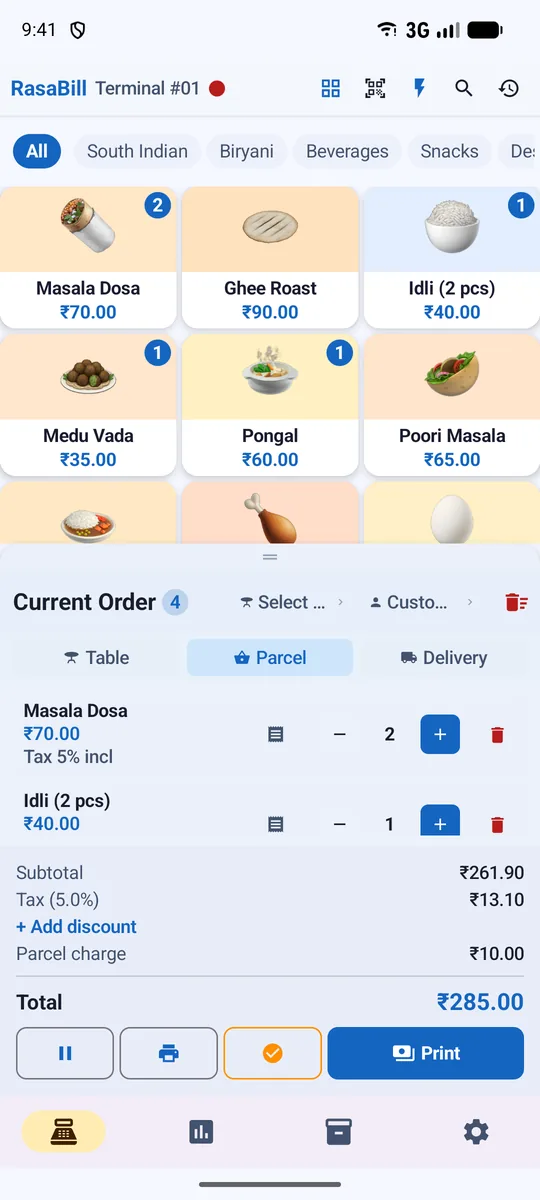
RasaBill works out GST for every item on the bill, prints CGST/SGST or IGST on the receipt and gives you GSTR-1 and HSN summary reports. See GST billing software.
Frequently asked questions
How do I add GST to a price?
Multiply the price by the GST rate and add it. For ₹1,000 at 18%: GST = ₹180, total ₹1,180. Inside your state it is split into CGST 9% (₹90) and SGST 9% (₹90).
How do I remove GST from a price that includes it?
Divide by (1 + rate). For ₹1,180 including 18% GST: price before tax = 1,180 ÷ 1.18 = ₹1,000, GST = ₹180.
What are the GST rates in India?
The main rates are 0%, 5% and 18%, with 40% for a small set of items, after the GST changes of 22 September 2025. Some items keep special rates; always check the rate for your item.
When do I charge IGST instead of CGST and SGST?
CGST + SGST apply when the buyer is in the same state as you. IGST applies to sales to another state.
Start billing in 2 minutes
Download RasaBill free from Google Play. No card, no setup fee — add your items and print your first bill today.